(continued from Manage Restaurant)
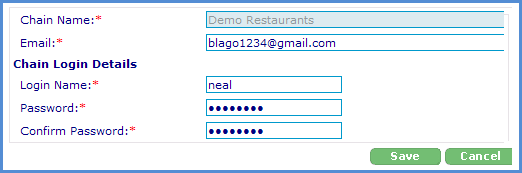
The options under the Manage Chain tab allow you to change the chain e-mail account and the chain login details including the administrator login name and password. You may want to change this information periodically or if the existing administrator leaves the company for security purposes.
These changes are made under the “Manage Chain” tab at the top of the RM Monitor Admin page. Select the field to be changed, delete the current information, enter the new data, and click on the “Save” button to save your changes. The chain name is hard coded and cannot be changed in the RM Monitor Admin page. You must contact ASI to obtain instructions for this special consideration.